Azure DevOps
Connect Azure DevOps to automatically link commits and pull requests to tickets. Work items can be imported and synchronized with MG Software tickets.
How it works
From installation to work item import: see the enterprise flow.
1
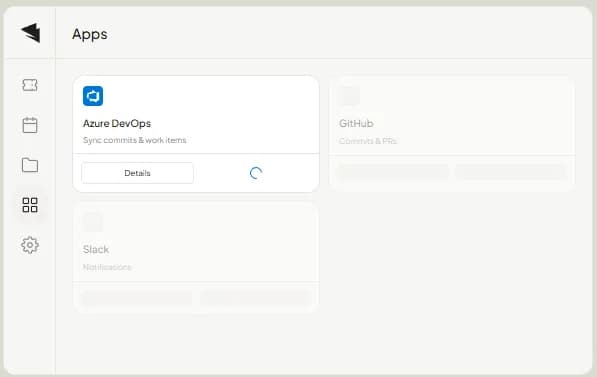
Connect Azure DevOps
Install the Azure DevOps integration from the Apps page. Connect to your organization and configure the right permissions.
2
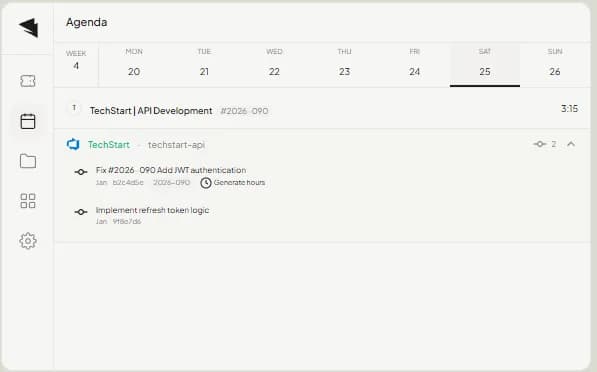
Commits in Agenda
Commits automatically appear in your agenda view, grouped by repository. Reference ticket numbers and generate hours directly.
3
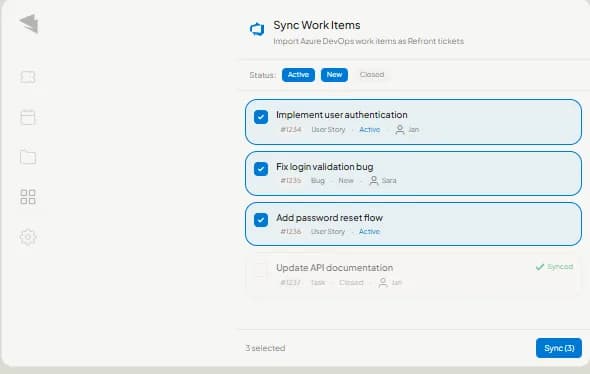
Import Work Items
Import Azure DevOps work items as MG Software tickets. Filter by status and assignee, select what to sync and tickets are created automatically.
4
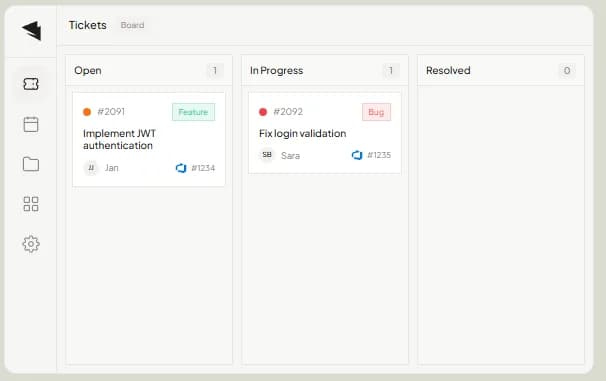
Two-Way Sync
Change Azure DevOps status directly from your Kanban board. Right-click a ticket, choose a new status and it syncs automatically.
Ready to connect?
Start using MG Software with your favorite tools today.
Missing an integration?
Get in touch