How We Pick Project Management Software for Dev Teams
Every team organizes work differently. We selected 7 project management tools on scalability, async workflows, and integration depth, from startup to enterprise.
At MG Software we use Linear as our primary project management tool. The blazing-fast interface, seamless Git integration, and focus on developer experience align perfectly with our workflow. For clients who want to combine documentation and project management, we recommend Notion as a powerful alternative.
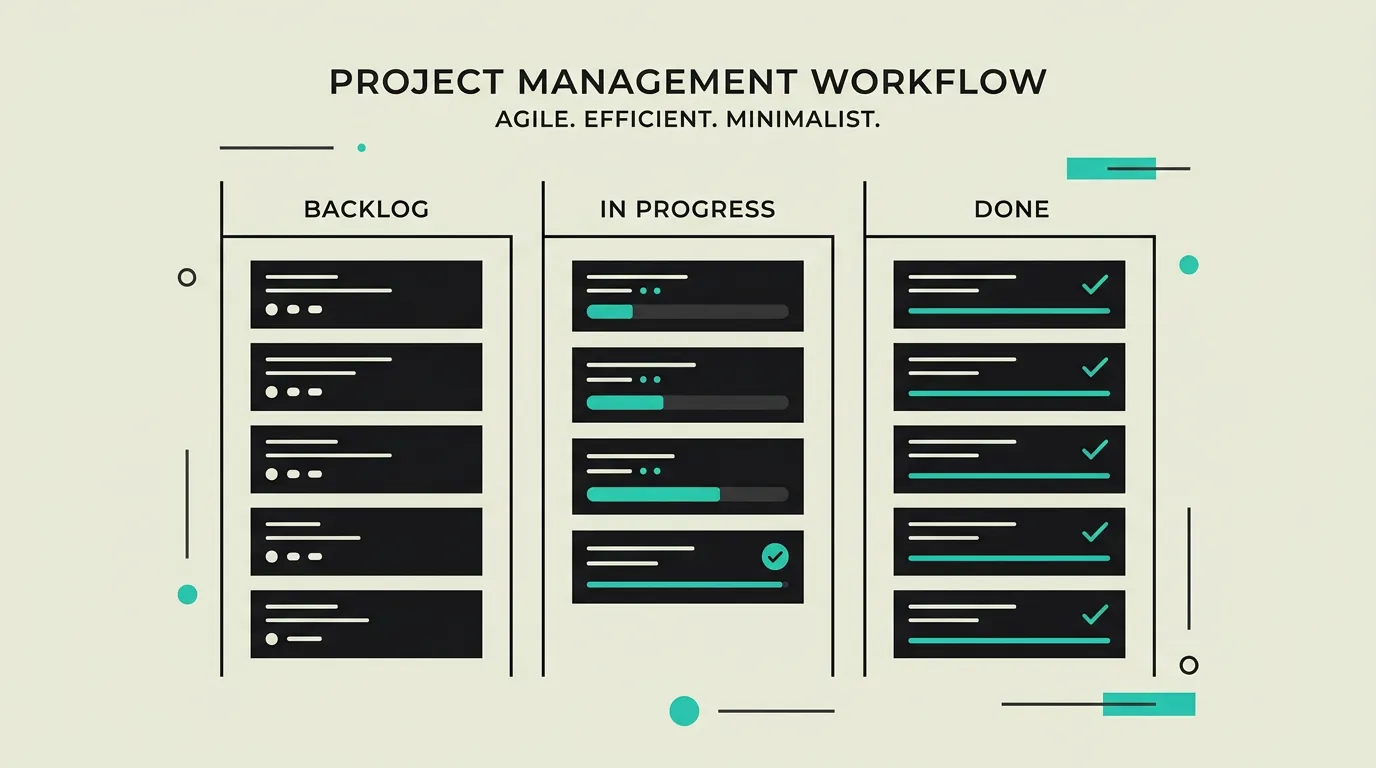
In 2026, project management software has evolved far beyond digital task boards. Teams increasingly work asynchronously across time zones, fundamentally changing what they expect from tooling. Where a simple Kanban board sufficed five years ago, developers now demand deep Git integrations, automated sprint planning, and AI-driven backlog triage. At the same time, stakeholders want transparency without learning query languages or navigating complex dashboards. The market responds with tools that bridge the gap between engineering and product without sacrificing technical depth. We tested fourteen project management tools over six months in live client projects with teams ranging from three to forty developers. Our evaluation focused not just on feature lists but on the daily experience: how fast can you create an issue? How smooth is the transition from backlog item to pull request? How easily can a product owner track progress without interrupting developers? In this guide we share our findings and help you choose the tool that fits your team size, workflow, and budget.
How did we select these tools?
We evaluated 14 PM tools over six months across live projects with teams of 3 to 40 developers. Scoring criteria: onboarding speed, Git integration depth, async collaboration, and scalability. Each tool was tested in at least two full sprints using real backlog items.
How do we evaluate these tools?
- Ease of use and learning curve: how quickly can a new team member become productive without extensive training or documentation?
- Integration depth with developer tools like GitHub, GitLab, Slack, Figma, and CI/CD pipelines for a seamless workflow without context-switching
- Workflow flexibility: support for Kanban, Scrum, waterfall, and hybrid methods so every team can shape its own process
- Value for money and pricing transparency, including availability of a usable free tier for small teams
- Reporting and insights: quality of dashboards, burndown charts, velocity tracking, and export capabilities for stakeholders and leads
- Automation and AI features: workflow automation, smart triage, automatic assignment, and custom rule capabilities
1. Linear
Blazing-fast issue tracker specifically designed for modern software teams. Linear combines a sleek interface with powerful automation, cycles, roadmaps, and seamless Git integrations. Known for its keyboard-first navigation that noticeably speeds up daily work. Pricing starts at $8 per user per month (Standard) or $14 for Plus with advanced analytics. Linear Triage and AI features help automatically categorize and prioritize incoming issues.
Pros
- +Extremely fast and intuitive interface with keyboard-first navigation
- +Excellent GitHub and GitLab integration with automatic issue linking
- +Powerful automation rules, cycles, and sprints for agile teams
- +Built-in roadmap and project planning with visual timelines
- +AI-powered triage that automatically categorizes and prioritizes incoming issues
Cons
- -Less suitable for non-technical teams that prefer visual Kanban boards
- -Limited reporting capabilities and no built-in time tracking
- -No free tier for teams, only a free plan for individual use
- -Limited field and workflow customization compared to Jira
2. Jira
The industry standard for agile project management, developed by Atlassian and used by over 300,000 organizations worldwide. Jira offers deep Scrum and Kanban support, advanced reporting with burndown charts and velocity tracking, and an ecosystem of 3,000+ marketplace apps. The free tier supports up to 10 users. Standard starts at $8.15 per user per month, Premium at $16. Recent updates include AI-powered recommendations and improved automation rules.
Pros
- +Deep Scrum and Kanban support with sprint boards, backlogs, and velocity tracking
- +Extensive ecosystem with 3,000+ marketplace apps for every integration imaginable
- +Advanced reporting with burndown charts, cumulative flow diagrams, and custom dashboards
- +Enterprise-grade security, compliance certifications, and audit logging
- +Powerful JQL query language for complex filtering and cross-project reporting
Cons
- -Steep learning curve and complex configuration that may require a dedicated admin
- -Can feel noticeably slow on large projects with thousands of issues
- -Interface is less modern and visually appealing than newer alternatives
- -Overwhelming number of features and settings for smaller teams
3. Notion
All-in-one workspace that combines project management with documentation, wikis, and databases in a unified interface. Used by millions of teams as a knowledge base alongside project tooling. The free plan offers unlimited pages for individuals. Plus costs $10 per user per month, Business $18. Notion AI is available as an add-on at $10 per user. The recent Projects feature adds sprint-like planning, timelines, and board views to the platform.
Pros
- +Extremely flexible: databases, documents, wikis, and projects all in one tool
- +Excellent documentation and wiki functionality with real-time collaboration
- +Generous free tier with unlimited pages for individual users
- +Powerful Notion AI integration for summaries, translations, and content creation
- +Easily customizable with templates, database relations, and formulas
Cons
- -Less structured sprint and agile workflows compared to dedicated PM tools
- -Performance degrades noticeably with very large workspaces containing thousands of pages
- -Limited native developer integrations with Git, CI/CD, and IDEs
- -No built-in time tracking or resource management functionality
4. GitHub Projects
Built-in project management functionality from GitHub that combines issues, pull requests, and project boards in customizable table and board views. Completely free for all GitHub users on both Free and Enterprise plans. Ideal for teams that want to keep their entire workflow within GitHub. Recent additions of custom fields, iterations, and tasklists make it an increasingly serious alternative. Automation via GitHub Actions offers endless workflow optimization possibilities.
Pros
- +Seamless integration with GitHub repositories, issues, and pull requests
- +Completely free for all GitHub users with no user limits
- +Powerful automation via GitHub Actions and built-in workflow rules
- +No context-switching needed: everything stays within the GitHub ecosystem
- +Custom fields, iterations, and tasklists for increasingly rich project planning
Cons
- -More limited reporting and dashboards than dedicated PM tools like Jira
- -Less suitable for non-technical stakeholders who need visual overviews
- -No built-in time tracking, resource planning, or documentation features
- -Requires GitHub as code platform, not usable with GitLab or Bitbucket
5. Shortcut (formerly Clubhouse)
Project management tool that strikes the balance between the simplicity of Trello and the power of Jira. Shortcut offers an intuitive interface with Kanban boards, epics, milestones, labels, and extensive API integrations. The Free plan supports up to 10 users, Team costs $8.50 per user per month, and Business $12. Built-in docs functionality and iteration tracking make it a versatile choice for mid-sized engineering teams that do not want to invest in Jira.
Pros
- +Good balance between simplicity and functionality without overwhelming configuration
- +Powerful REST API and extensive integrations with Slack, GitHub, and Figma
- +Built-in documentation for capturing specifications and decisions
- +Affordable for small and medium-sized teams with a usable free tier
- +Clear iteration tracking and velocity metrics for agile teams
Cons
- -Smaller community and fewer marketplace extensions than Jira or Linear
- -Fewer enterprise features like advanced audit logging and SSO on lower tiers
- -More limited automation options compared to Linear or GitHub Actions
- -Less name recognition in the job market which can slow onboarding of new hires
Which tool does MG Software recommend?
At MG Software we use Linear as our primary project management tool. The blazing-fast interface, seamless Git integration, and focus on developer experience align perfectly with our workflow. For clients who want to combine documentation and project management, we recommend Notion as a powerful alternative.
How MG Software can help
At MG Software we help teams across the Netherlands select, implement, and optimize project management tooling that fits their way of working. From our office in Haarlem we collaborate with startups and scale-ups to streamline their development processes. We start with an analysis of your current workflow, team size, and growth ambitions. Based on that we recommend the tool that fits best and assist with migrating existing data and processes. Our experience with Linear, Jira, and GitHub Projects means we do not just implement the tool but also share best practices for sprint planning, backlog management, and stakeholder communication. After implementation we provide training for your team and support fine-tuning of workflows, automation rules, and reporting so the tool delivers maximum return.
Frequently asked questions
Need help choosing tools?
We advise and implement the right tools for your stack.
Schedule a consultationRelated articles
Time Tracking Tools for Freelancers and Dev Teams
Accurate time tracking starts with the right tool. We compare 6 time tracking solutions on automatic tracking, reporting depth, and billing integration.
Jira vs Linear (2026): Enterprise Power or Modern Speed?
We switched from Jira to Linear for our own team. Compare speed, customization, GitHub integration, and workflow, based on our real switching experience.
Trello vs Asana: Visual Boards or Structured Project Management?
Visual kanban boards for simplicity or a full project management platform with timelines and portfolios? Trello and Asana serve different team sizes.
Slack, Teams, Discord, Zoom and Google Chat Compared After 4 Weeks of Testing
We used each platform as our only communication tool for a month. Rated on developer integrations, search, video stability and real pricing. One clear winner for software teams.